

How to Set the Front Page in Drupal
Drupal allows you to easily create a custom page and set it as the site’s front page (or homepage). This guide explains how to create a page and assign it as the front page of your Drupal site.
Step #1 – Create a Page
First, you need to create a page that will be used as the homepage of your Drupal site.
- Navigate to: Content Add content
example.com/node/add
- Select Basic page
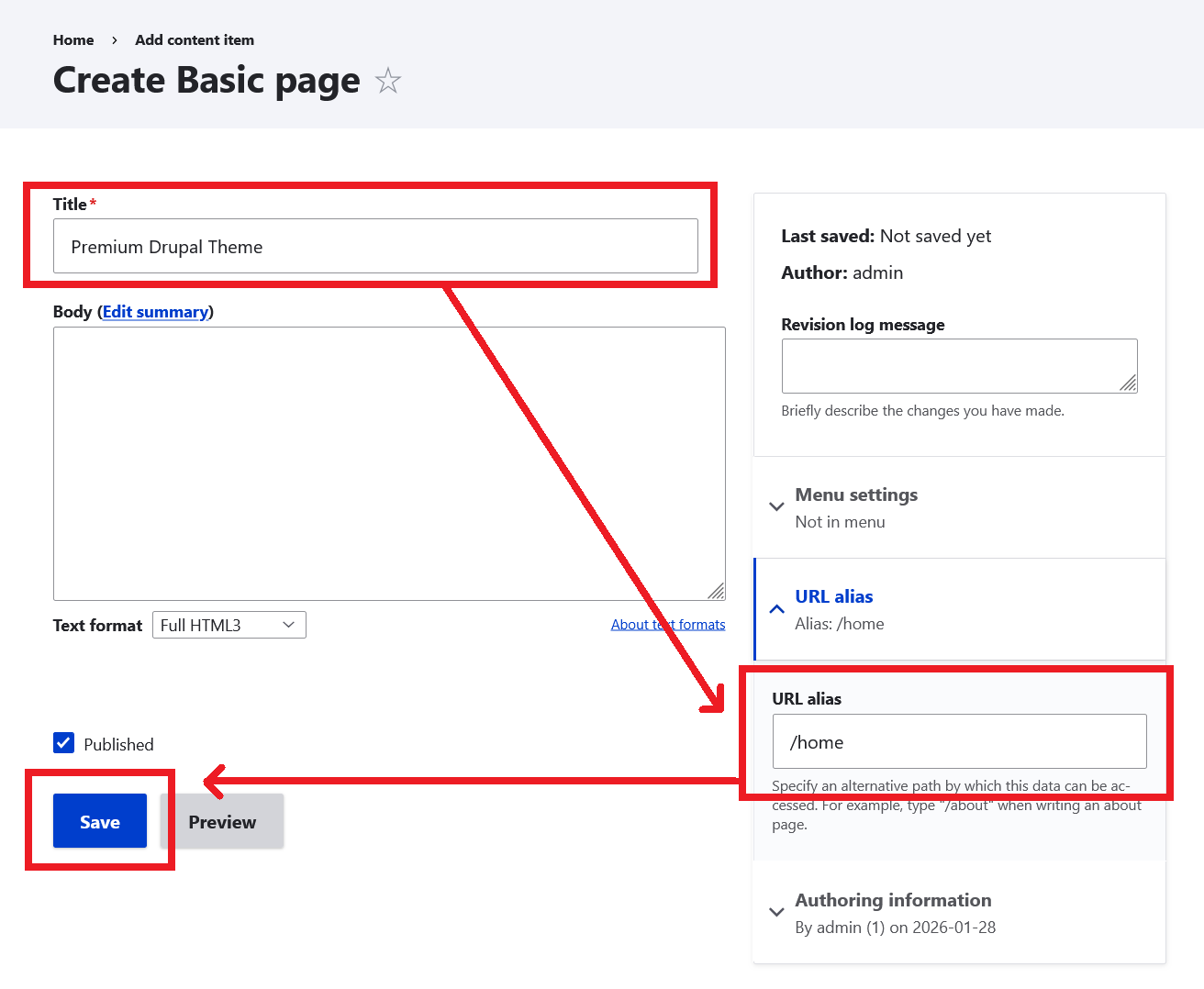
- Enter a Title (for example: Drupal Premium Themes)
- Set URL alias to /home
- Click Save button.
Step #2 – Set the Front Page in Drupal
in this step, we will assign the created page as the site homepage.
- Copy the URL alias of the new page.
- Navigate to: Administration Configuration System Basic site settings
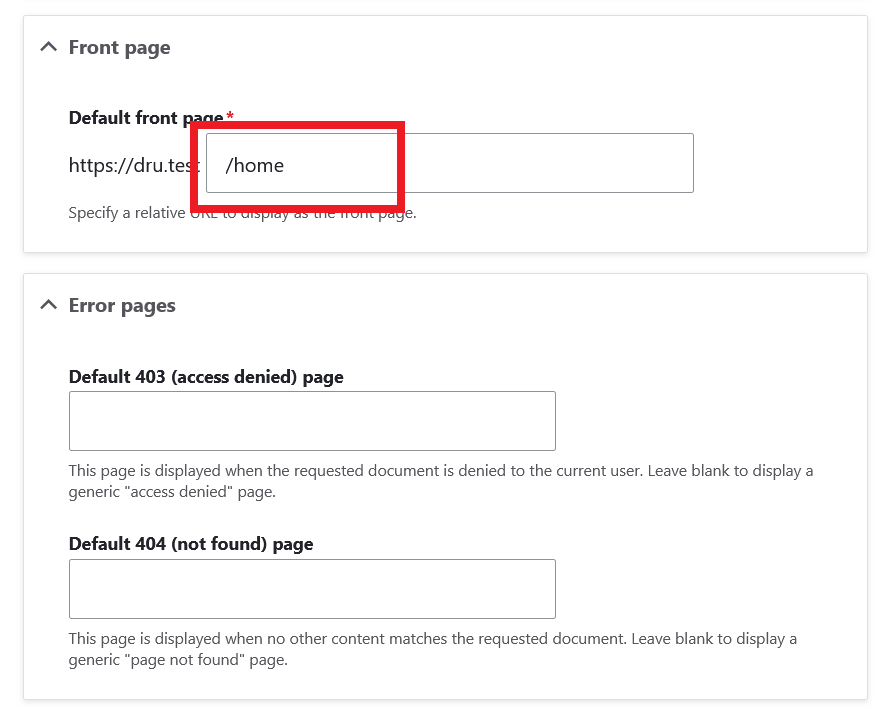
- Scroll to the Front page section
- In the Default front page field, enter the page path (/home).
- Click Save configuration button.
That’s it! Your selected page is now the homepage of your Drupal site.